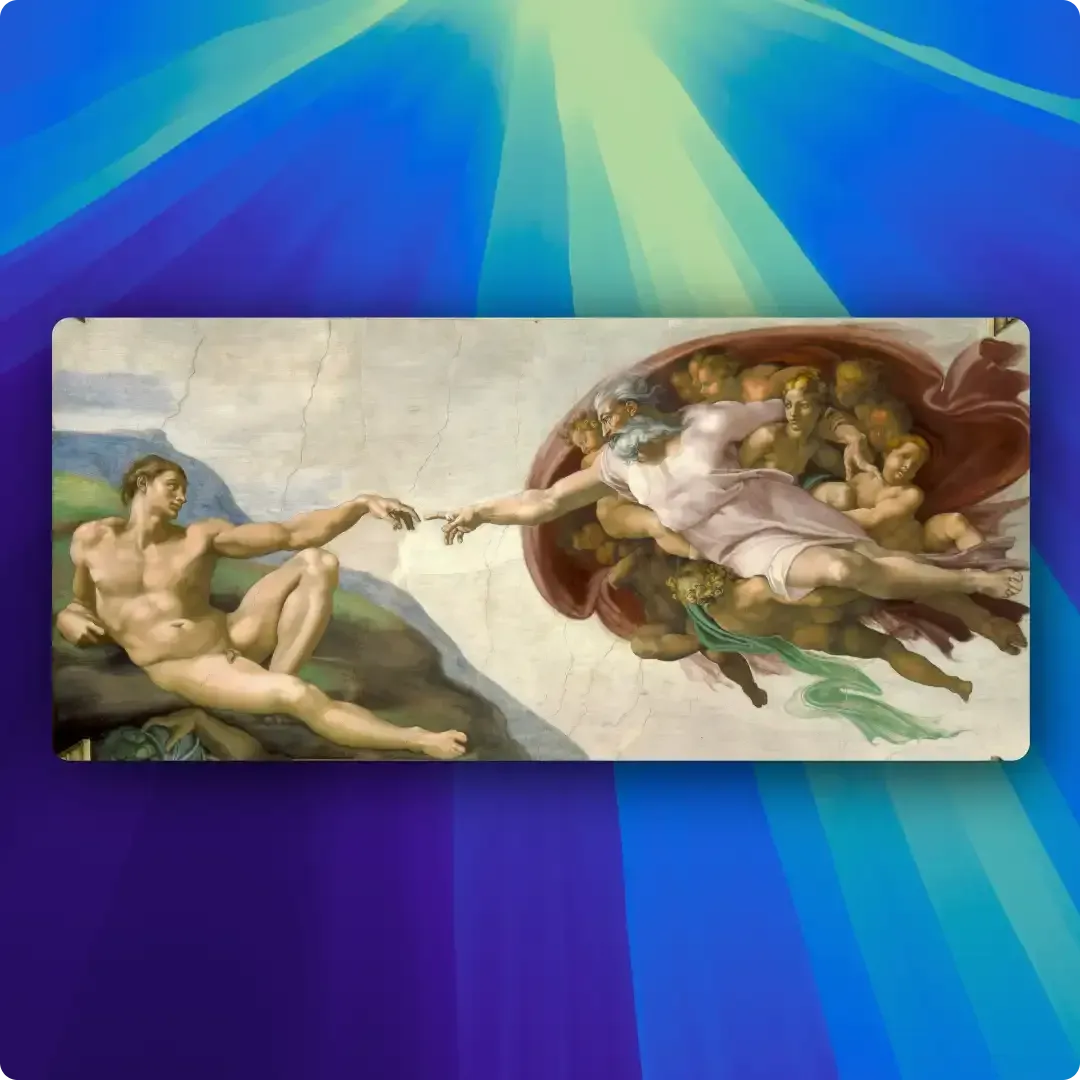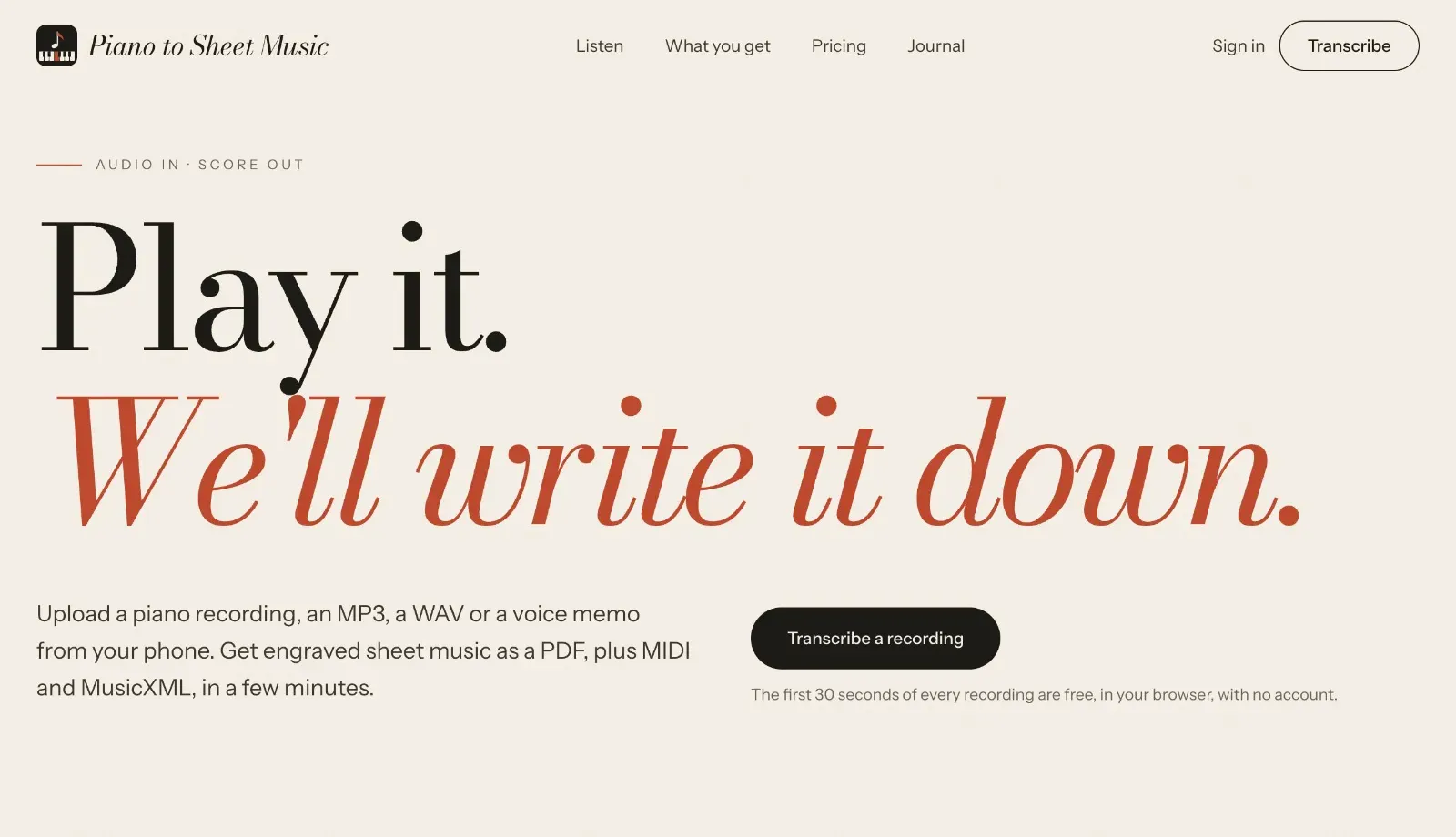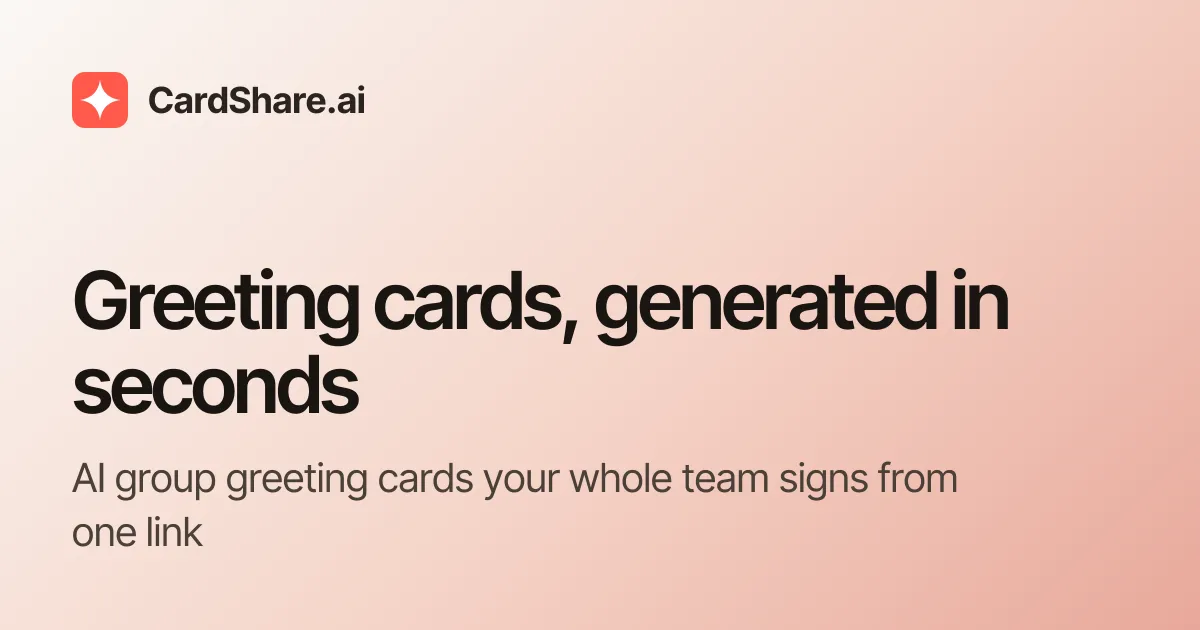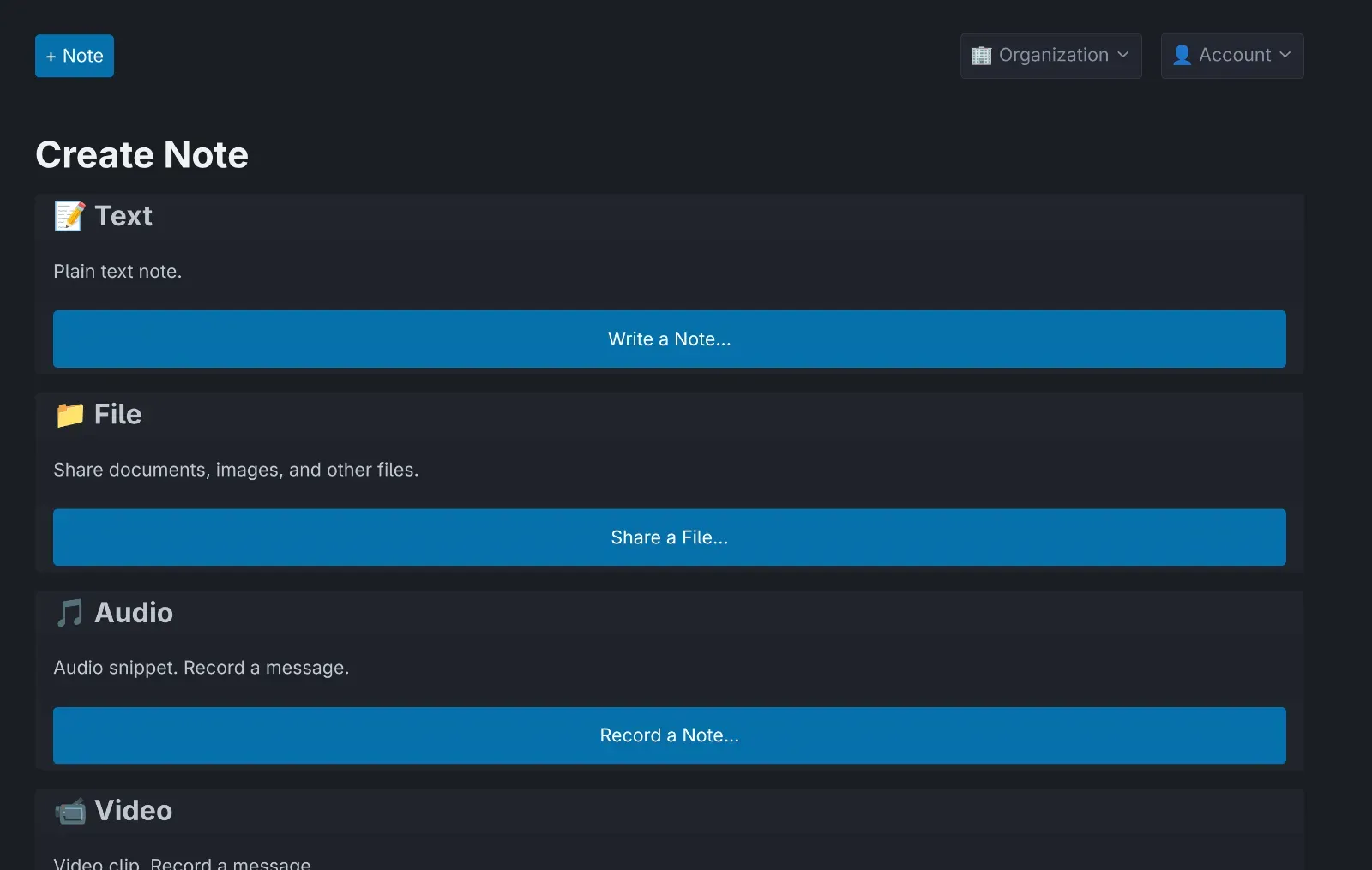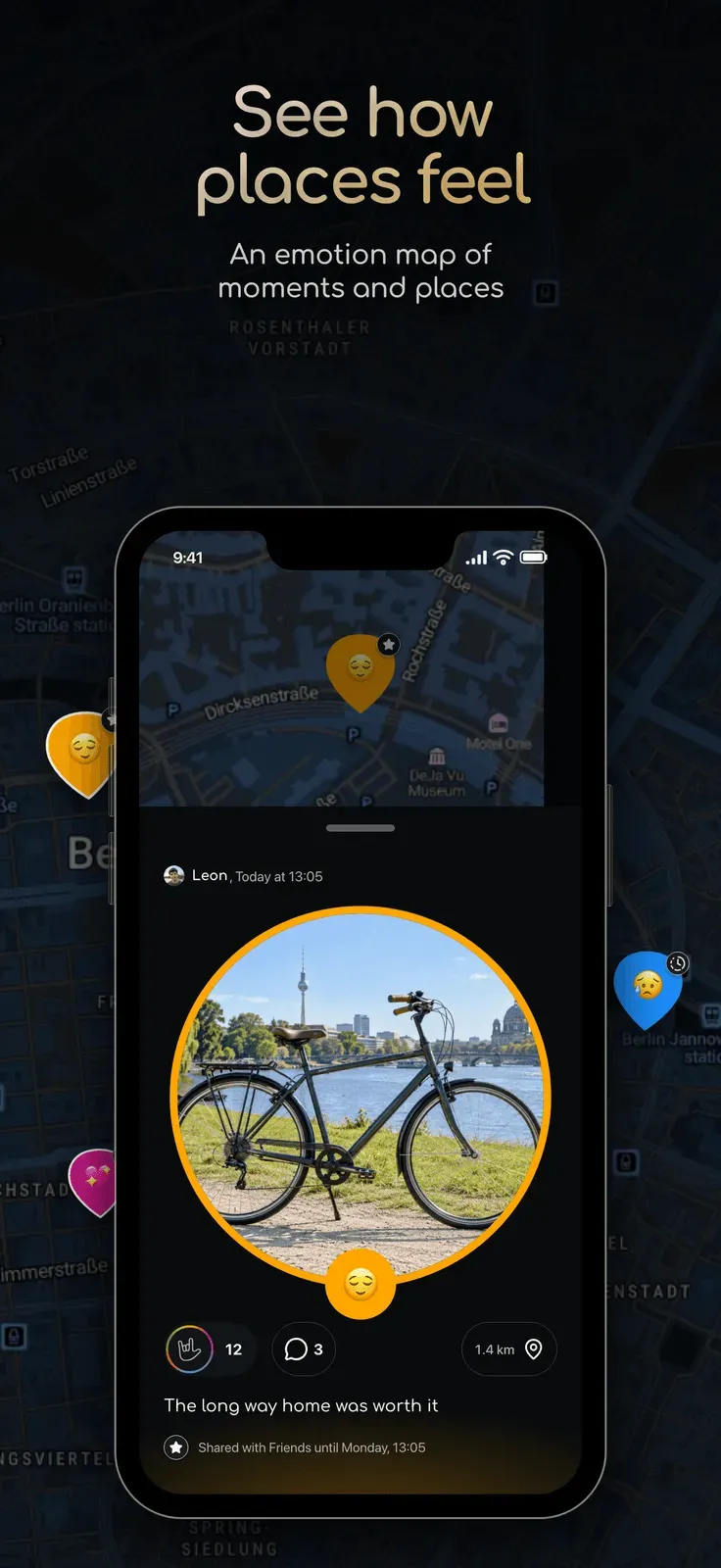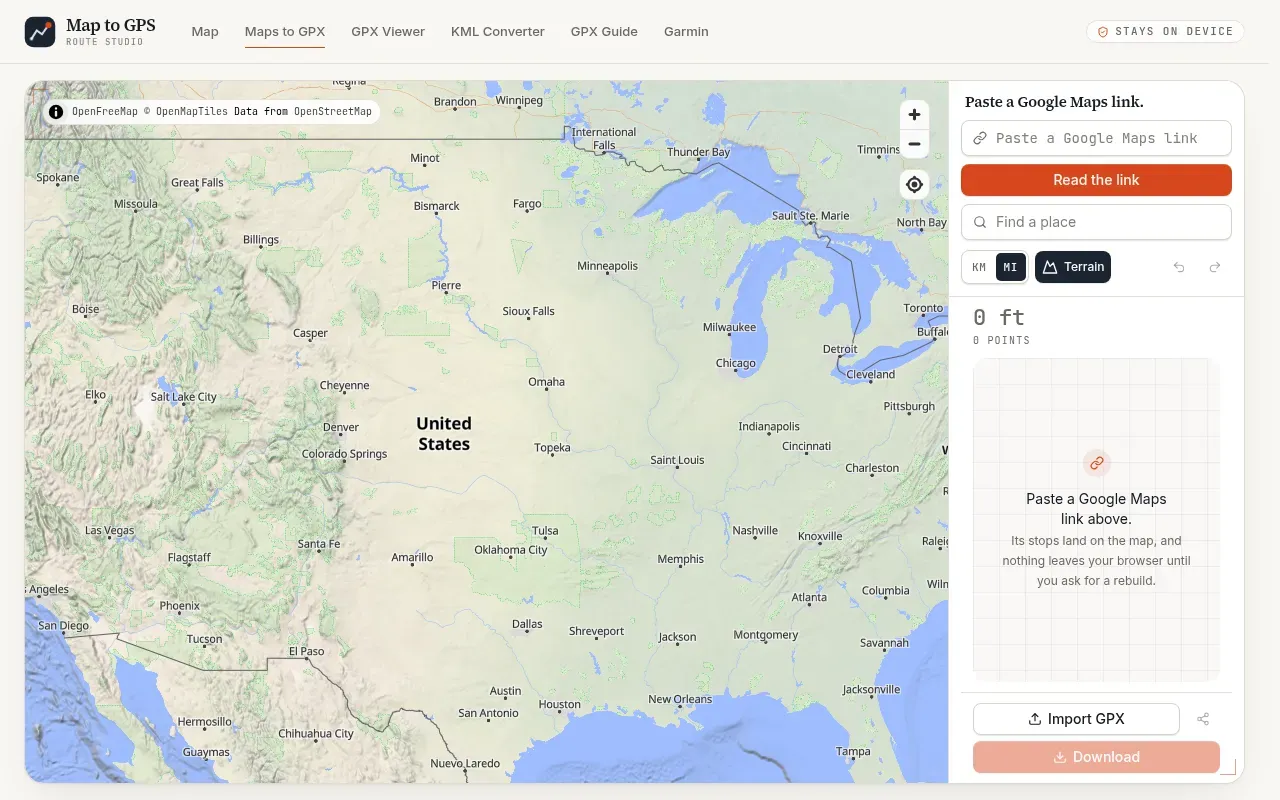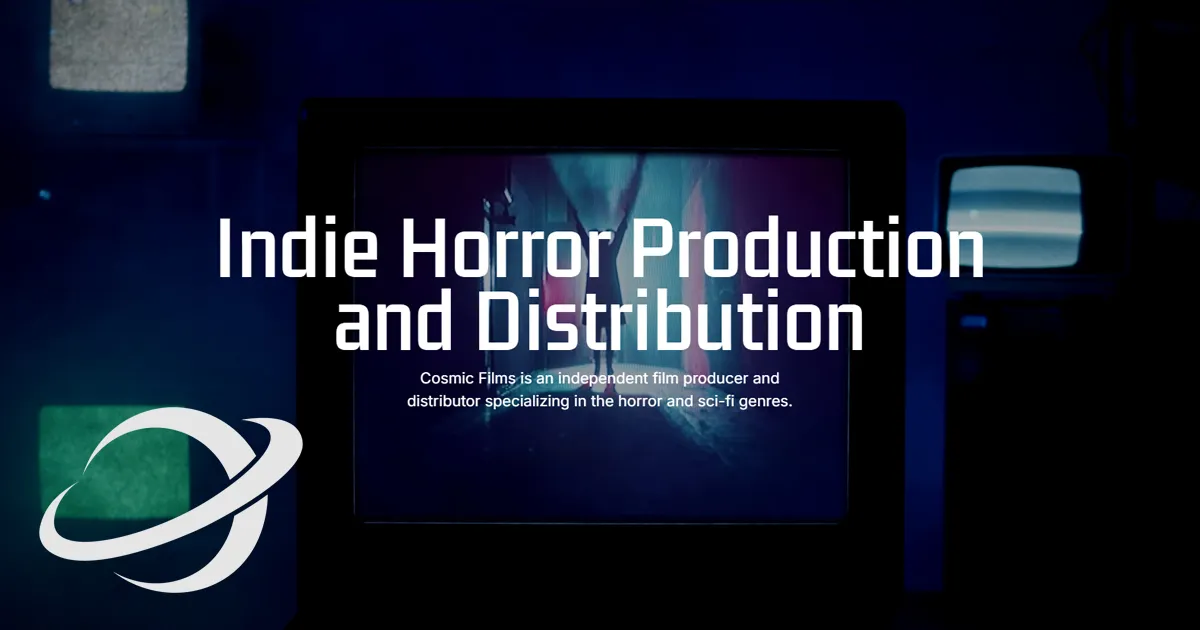
Free browser-based screenshot beautifier with 100+ backgrounds, browser mockups, 3D effects, animations, and video export capabilities.
Get listed across 100+ startup directories, submitted by hand. Permanent dofollow backlinks and +25 domain rating on average.
Submit your website to get discovered by thousands of potential customers and boost your SEO.
Get ListedScreenshotStyle is a powerful browser-based editor that transforms plain screenshots into professional-looking graphics in seconds. This free tool eliminates the need for complex design software by providing an intuitive interface where users can add backgrounds, browser frames, 3D effects, animations, and annotations to their screenshots.
ScreenshotStyle is ideal for developers, marketers, designers, content creators, and product managers who need to create eye-catching graphics for social media, documentation, landing pages, presentations, and marketing materials without design skills or expensive software.