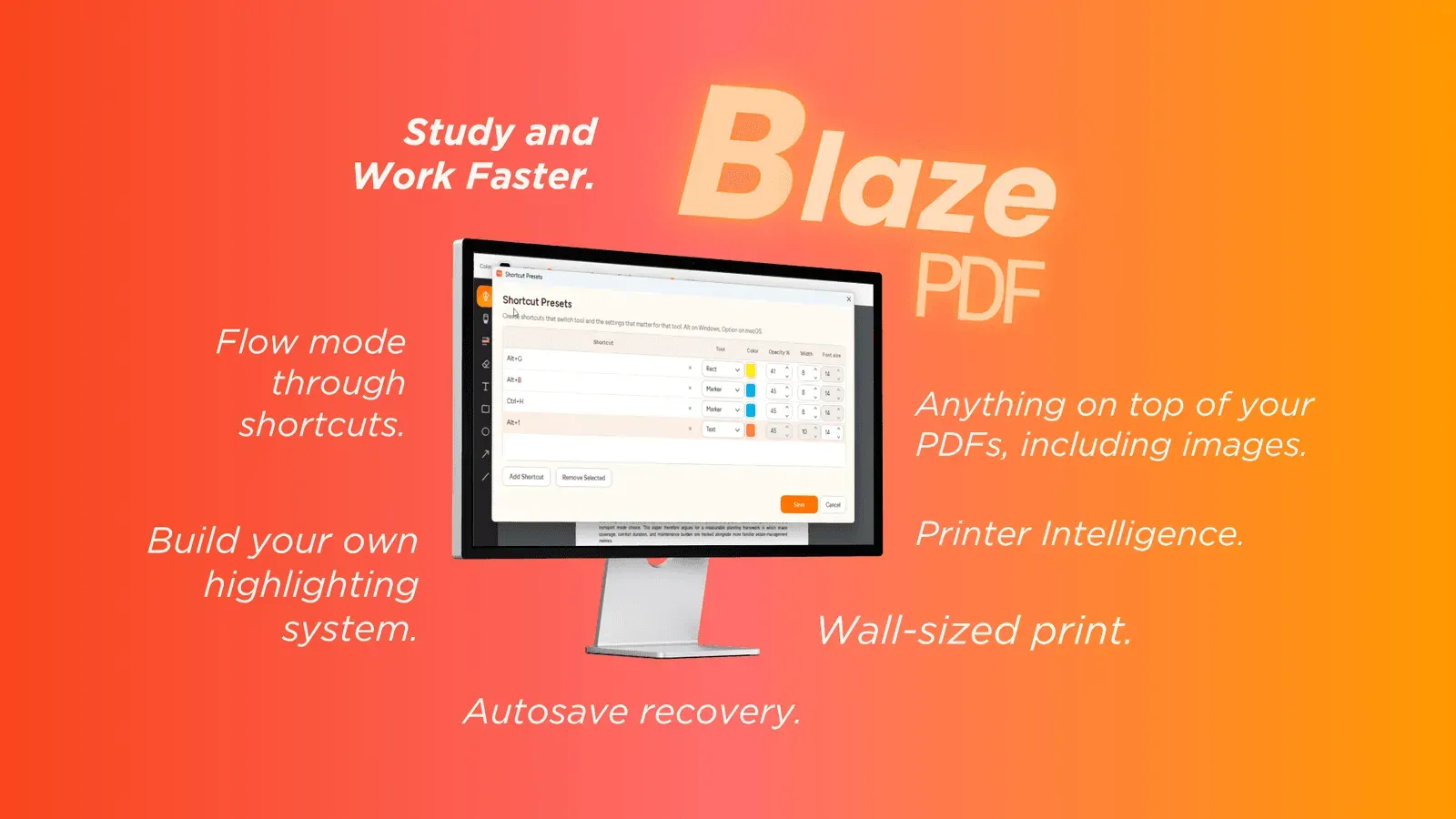
BlazePDF is a desktop PDF workspace for students, pairing keyboard-first Flow Mode annotation, reusable tool presets, and Smart Duplex or poster-tiled printing with offline, account-free local file handling.
Get listed across 100+ startup directories, submitted by hand. Permanent dofollow backlinks and +25 domain rating on average.
Submit your website to get discovered by thousands of potential customers and boost your SEO.
Get ListedBlazePDF is a desktop PDF workspace for academic reading. It gathers lecture slides, textbook chapters, research papers, and past papers into one environment for reading, markup, organization, and printing. Tools cover pen and marker strokes, word-aware highlights, text boxes, shapes, arrows, embedded images, page reordering, and PDF export. The reader runs offline with no account required, keeping files local.
Flow Mode emphasizes keyboard-first annotation so the interface recedes during long sessions. Erasing, undo, and redo apply across strokes, shapes, and text objects. Tool presets restore a preferred color, width, and opacity from one shortcut, which helps when a consistent note convention spans a semester. Search reopens key passages, and editable BlazePDF metadata keeps annotations changeable after a document is reopened.
Smart Duplex prepares two-sided printing for hardware that needs a manual second pass and explains paper reloading. Poster Enlargement splits a large page or diagram into tiled sheets, previewing piece alignment before the job starts.
Reading, annotation, native text search, and export run locally. Optional account and AI OCR features activate only by choice, and document content is never used to train generalized AI models. A free tier is available to students.